A client experience worth putting your name on.
From the first intake form to the final approval, Mage Shares gives clients a consistent place to work with your agency. Keep collaboration organized and make your portal part of the value you deliver.

One consistent way to work with every client.
Onboard with fewer follow-ups.
Create a space from a template, send intake forms and request the assets you need as a checklist.
Deliver work with a clear next step.
Share files, request design or content approval and keep review decisions with the deliverable.
Coordinate ongoing client service.
Use the same space for reports, updates, requests and conversations after launch.
Keep internal planning internal.
Team conversations stay separate from the discussions clients can see.
Build a repeatable service.
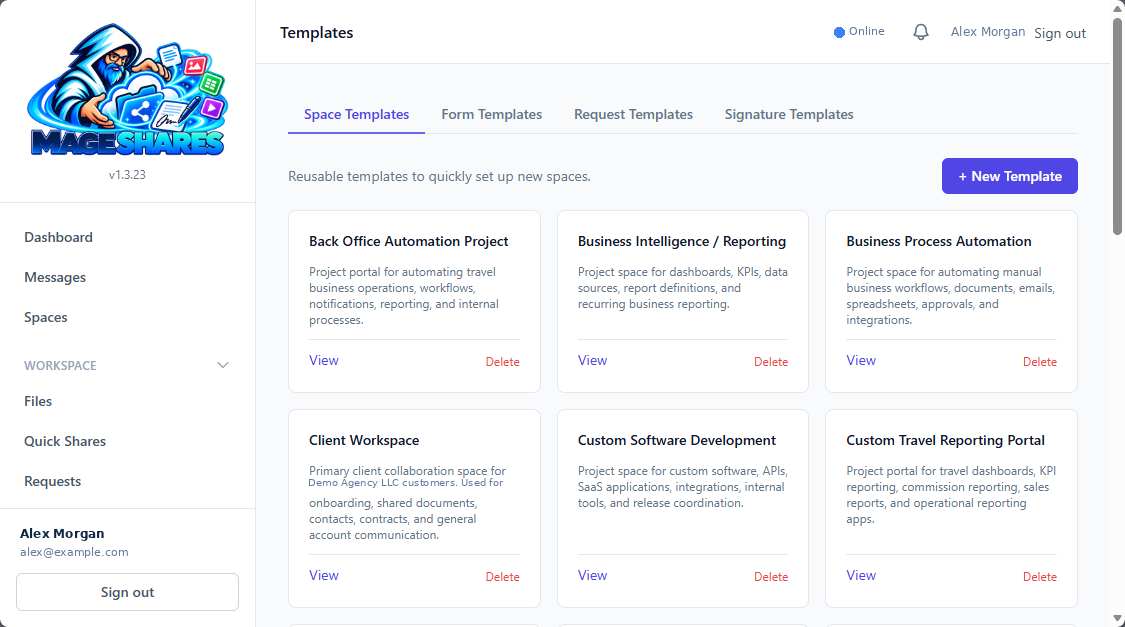
Save space, form, request and signature templates so your next engagement starts with a process already in place.
Grow around resources.
Add storage as needed without charging your collaboration model by the seat.
Made for teams that work closely with clients.
Web & design agencies
Brand assets, intake, design reviews and launch approvals.
Marketing teams
Content collection, article approvals, reports and ongoing client discussion.
Professional firms
Document requests, questionnaires, agreement signing and organized client handoffs.
Lean teams
Shared client work with a professional portal and fewer disconnected tools.
- 01
Create your Press Mage account.
Ordering begins in Press Mage Manager.
- 02
Add Mage Shares.
Order a Mage Shares plan and any Space Pod storage you need.
- 03
Brand the portal.
Set your name, logo, colors and space welcome details.
- 04
Organize the work.
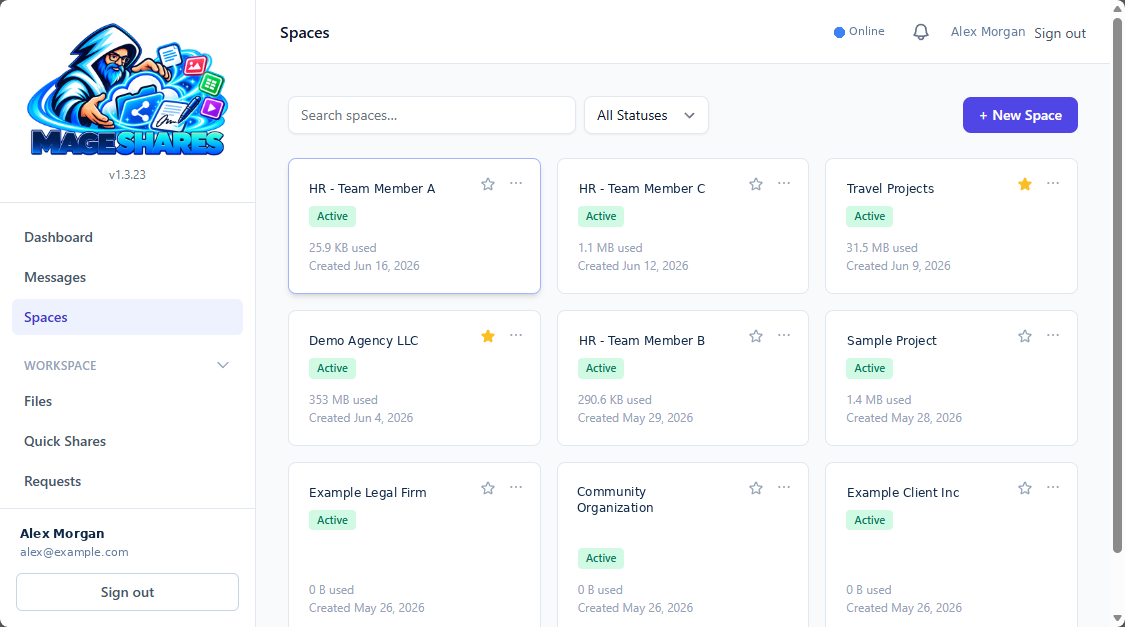
Create spaces, folders and reusable requests or forms.
- 05
Invite your clients.
Give them a clear place to upload, review, sign and reply.